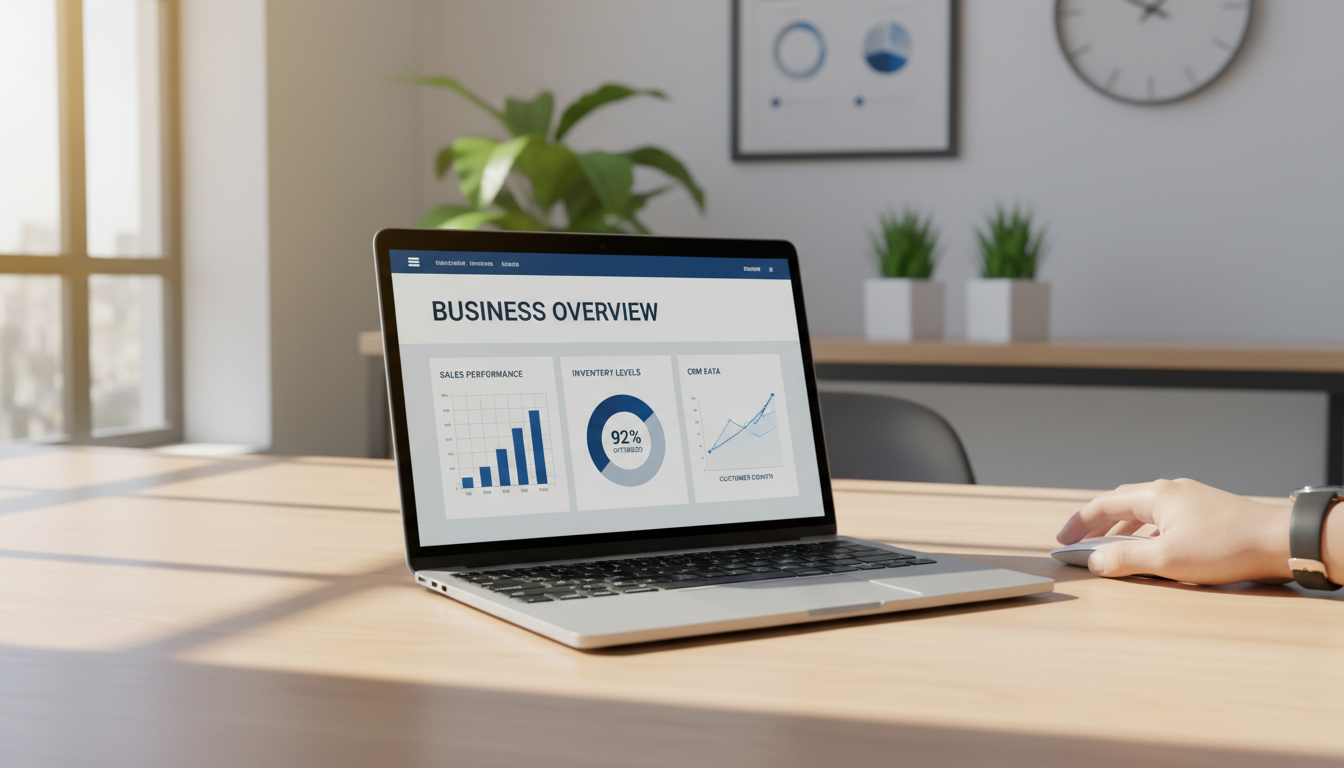
Learning how to choose ERP software involves identifying core business requirements, setting clear goals, and forming a cross-functional selection team. Businesses must evaluate vendors based on industry-specific features, scalability, and total cost of ownership; additionally, prioritizing user experience and data reporting ensures long-term operational success.
Selecting an enterprise resource planning system is frequently a high-stakes endeavor where the fear of a costly implementation failure outweighs the potential for operational growth. Many leadership teams find themselves trapped between rigid legacy systems and a saturated market of modern vendors, each promising a total transformation that rarely accounts for specific workflow nuances. An incorrect selection does more than waste budget; it creates lasting technical debt and organizational friction. This guide offers a rigorous, expert-led roadmap to ensure your investment delivers tangible value. You will discover how to conduct a comprehensive internal audit, build a prioritized requirements checklist, and differentiate between complex platform architectures. Furthermore, we will explore the critical role of stakeholder alignment and the strategic benefits of specialized consulting. By the end, you will possess a structured framework for modernizing your operations with precision.
The High Stakes of ERP Selection
An Enterprise Resource Planning (ERP) system acts as the central nervous system of a business. It connects every limb, from sales and inventory to fulfillment and finance, ensuring that a signal sent from one department triggers the correct response in another. When this system fails or remains fragmented, the entire organization slows down. Most online guides are written by software vendors with a specific platform to sell, but as a firm focused on modernizing operations, we approach this from a neutral consulting perspective.
Learning how to choose ERP software is not simply a matter of picking the most recognizable brand name. Instead, it is a strategic process of finding a platform that fits your unique workflows today while providing the technical headroom for 10x growth. Most leaders begin this search when they hit a ceiling; they find themselves outgrowing QuickBooks or drowning in spreadsheets that require constant manual updates. These manual workarounds are more than just a nuisance; they are a significant risk to data integrity.
The goal of this guide is to move beyond the marketing gloss. By focusing on rigorous requirements gathering, you can transition from reactive management to a proactive, scalable operation that relies on a single source of truth.
Step 1: Conduct an Internal Audit of Your Processes

Before you ever open a browser to compare platforms, you must turn your focus inward. Successful modernizing operations starts with a comprehensive audit of your existing workflows. This is not just a list of what you do, but a map of how information moves from a customer's first inquiry through sales, inventory allocation, fulfillment, and finally, the ledger.
Identifying where your current system breaks is more important than looking for flashy features. For most organizations, the real issues are hidden in the gaps between departments. You likely have staff performing repetitive, manual data entry because the sales team's CRM does not talk to the warehouse's shipping software. These gaps are where errors occur and where data integrity dies. If a sales order is manually re-typed into a production schedule, the risk of a typo becomes a business liability.
To perform this audit effectively, conduct a "day in the life" walkthrough for critical roles. Sit with your accounting manager, your warehouse lead, and your sales head. Observe their screens. Notice when they have to export a CSV just to upload it into another program, or when they must call someone across the office to verify stock levels. These friction points define your requirements gathering phase.
By documenting these specific pain points, you shift the conversation from a generic search to a targeted solution. Understanding these internal dependencies is the foundational work for anyone learning how to choose ERP software. It ensures you select a system that solves real problems rather than just replacing one set of spreadsheets with a more expensive, digital version of the same chaos.
Building Your ERP Requirements Checklist

Translating your internal audit into a formal document is the most critical step in requirements gathering. This list serves as your objective standard, preventing emotional decisions or vendor-led distractions during the evaluation phase. When defining your ERP software requirements, organize them into four functional pillars to ensure every department is represented and every process gap is addressed.
Requirement Category | Essential Features to Consider |
|---|---|
Financial Management | General Ledger (GL), Accounts Payable/Receivable (AR/AP), fixed assets, and multi-entity consolidation. |
Inventory & Supply Chain | Real-time stock tracking, automated replenishment, warehouse management, and vendor performance analytics. |
CRM & Sales | Lead tracking, automated price quoting, order history, and seamless handoffs to fulfillment. |
Reporting & Dashboards | Custom KPI dashboards, automated month-end reports, and drill-down capabilities for real-time visibility. |
For modern leadership, real-time visibility is often the highest priority. A system that only provides historical data through manual exports is just a digital filing cabinet. Your checklist should prioritize platforms that offer live data feeds, allowing managers to see current stock levels or sales margins without waiting for an accounting cycle to close. This level of transparency is what separates a basic accounting tool from a system capable of modernizing operations for a growing business.
To keep the selection process manageable, categorize every line item as either a Must-Have or a Nice-to-Have. Must-Haves are non-negotiable items that fix your current pain points or fulfill legal and financial compliance needs. Nice-to-Haves are features like advanced AI forecasting or social media integrations that would be beneficial but are not essential for Day 1 operations. By enforcing this distinction, you avoid over-complicating the search and ensure your investment is focused on the core functionality that will actually drive scalable growth.
Evaluating ERP Selection Criteria and Platform Types

Once you have defined your requirements, you must decide which deployment model fits your infrastructure. The primary choice lies between Cloud-based (SaaS) and On-Premise systems. Cloud-based ERPs are hosted by the software provider and accessed via the internet, while On-Premise systems require local servers and an internal IT team to manage hardware, updates, and security.
Feature | Cloud-based (SaaS) | On-Premise |
|---|---|---|
Upfront Cost | Low (Subscription) | High (Licensing & Hardware) |
Maintenance | Handled by Vendor | Handled by Internal IT |
Scalability | Instant and Seamless | Requires Hardware Upgrades |
Accessibility | Anywhere with Internet | Often Restricted to Local Network |
In Utah and throughout the US, businesses are overwhelmingly opting for the cloud when modernizing operations. The reason is practical; cloud systems offer rapid scalability and lower long term maintenance costs. You can add users or modules without buying new hardware, and security patches are applied automatically by the provider. Understanding these technical distinctions is a fundamental part of learning how to choose ERP software that aligns with your long term goals.
A common question during the requirements gathering phase is whether QuickBooks qualifies as an ERP. While QuickBooks is an excellent tool for financial management, it is primarily accounting software. It can serve as the core of an ERP ecosystem if integrated with various third party apps, but it often lacks the deep, native operational integration found in a true ERP. A true ERP connects sales, production, and warehouse data into a single database, whereas QuickBooks often requires manual bridges to reach those departments.
It is also vital to recognize that Excel is not an ERP system. Spreadsheets lack a single source of truth; data can be overwritten, files can be duplicated, and there is no automated workflow triggering. Relying on Excel creates silos where information is trapped in individual files rather than flowing through a unified, automated system.
How to Compare ERP Systems Without Getting Overwhelmed
Transitioning from the technical architecture to the selection phase requires a disciplined filter to avoid analysis paralysis. Once the internal audit is complete, narrow the field to a shortlist of three to five vendors that align with your specific requirements gathering results. Evaluating more than five platforms simultaneously often leads to diminishing returns and obscured comparisons; focusing on a smaller group allows for a deeper dive into how each system functions in a real world environment.
To ensure an objective comparison, move beyond generic, vendor led presentations. Request scenario based demos that force the software to handle your most complex or unique business processes. Instead of watching a canned demonstration of a simple sales order, provide the vendor with a specific case, such as a multi-stage fulfillment process involving backordered items and custom shipping logic. This approach reveals how the software handles friction and whether the user interface remains intuitive under pressure. It is the most effective way to validate if a platform is truly capable of modernizing operations for your specific team.
Financial evaluation must extend past the initial quote to encompass the Total Cost of Ownership (TCO). A common mistake when learning how to choose ERP software is focusing solely on the monthly subscription or licensing fee. A comprehensive TCO analysis includes several layers of investment that impact the long term return on investment.
Cost Component | Description |
|---|---|
Licensing/Subscription | The recurring monthly or annual cost to access the software. |
Implementation | One time fees for system configuration, data migration, and integrations. |
Training | Costs for onboarding staff and ensuring proficiency across departments. |
Ongoing Support | Fees for technical assistance, maintenance, and future software updates. |
By documenting these costs upfront, you can compare the true economic impact of each platform over a three to five year period, ensuring the chosen system remains sustainable as the business scales.
The Human Element: Stakeholder Buy-in and Training

The most sophisticated technical architecture cannot overcome a lack of user adoption. When businesses evaluate how to choose ERP software, they often focus exclusively on features and neglect the people who will actually enter the data. Software is a tool, not a solution in a vacuum; if your team finds the system cumbersome or feels it was forced upon them, they will revert to shadow systems like private spreadsheets or paper notes. This fragmentation destroys the single source of truth you worked to build.
To prevent this, involve "power users" from the warehouse floor and the back office during the requirements gathering phase. These are the individuals who understand the granular exceptions and daily workarounds that leadership might miss. Their early involvement ensures the system meets actual operational needs and creates internal advocates who can champion the platform to their peers during the transition.
A successful rollout requires a structured training plan that accounts for the "change curve," which is the natural dip in productivity that occurs as employees learn new workflows. Modernizing operations is a psychological transition as much as a technical one.
Training Phase | Objective | Key Participants |
|---|---|---|
Foundational Training | Navigation and core logic of the new system. | All Staff |
Role-Specific Workshops | Mastery of departmental workflows and tasks. | Department Teams |
Super-User Certification | Deep-dive troubleshooting and advanced reporting. | Power Users |
Ongoing Optimization | Refining workflows based on live data feedback. | Management & Consultants |
Reliable data depends on consistent usage. If you are concerned about how your team will handle this transition, you can contact our team to discuss change management strategies.
Why Work with an ERP Selection Consultant
Partnering with an ERP consultant shifts the focus from software features to measurable business outcomes. An independent consultant serves as your advocate, filtering out vendor sales tactics to prioritize your specific operational interests. For companies in Duchesne, Utah, having a local partner provides a strategic advantage during the entire digital transformation lifecycle.
From initial requirements gathering to final implementation, a consultant ensures the transition results in cleaner workflows and reliable data. This hands on support is vital when modernizing operations, as it provides a bridge between complex technical systems and the people using them. If you are ready to secure a system that scales, contact our team to learn how to choose ERP software that truly fits your unique business architecture.
Selecting the right ERP system is a foundational step in modernizing your business operations, as it requires balancing technical features with your unique organizational goals. While this guide provides a starting point, the implementation process involves many complex variables. If you want expert help navigating these decisions, our team can provide the specialized guidance you need to ensure a successful transition. You can learn more about our team to see how we help businesses streamline their software selection and reach their full potential.