
Key signs your small business has outgrown QuickBooks and needs an ERP include persistent manual data entry, a month-end close that takes weeks, and a reliance on disconnected spreadsheets to manage core operations. When declining inventory accuracy and a lack of real-time reporting start to hinder growth, transitioning to a unified system becomes essential to streamline workflows and maintain data integrity.
As your business scales, you likely notice that tasks which once took minutes now consume hours of manual labor. Perhaps you are reconciling inventory across multiple spreadsheets or waiting days for a single financial report. While QuickBooks serves as an excellent starting point for many organizations, it lacks the integrated architecture required to manage complex, multi-departmental operations. Continuing to force growth through a basic accounting system often leads to fragmented data and significant security risks. In this guide, we will analyze the seven distinct signs that your business has reached its functional ceiling. From manual re-entry errors to the looming QuickBooks Desktop sunset, you will learn how to identify when your current toolset is hindering your bottom line and what steps to take toward a robust Enterprise Resource Planning solution.
Why QuickBooks Reaches a Ceiling for Growing Businesses
QuickBooks serves as an excellent foundation for startups and early stage small businesses because it excels at its core purpose: accounting. It simplifies ledger management, tax preparation, and basic invoicing, which are the primary needs of a new venture. However, there is a fundamental distinction between software designed for accounting and a comprehensive business management system.
The ceiling is reached when financial tracking alone is no longer sufficient to manage the complexities of a growing enterprise. For companies managing intricate supply chains, specialized manufacturing processes, or high volume multi channel e-commerce, a ledger centric tool cannot provide the necessary operational visibility. For businesses in Duchesne and throughout the US, scaling successfully requires more than just balancing books; it demands operational synchronicity.
When your financial data exists in one silo while your warehouse and sales teams work in others, you begin to see the signs your small business has outgrown QuickBooks and needs an ERP. Navigating this digital transformation lifecycle is essential for modernizing operations and ensuring that data flows accurately from the front office to the back office without manual intervention. Success at this stage depends on moving toward a system that treats operations and finance as a single, unified workflow.
Sign 1: You Live and Die by Spreadsheets
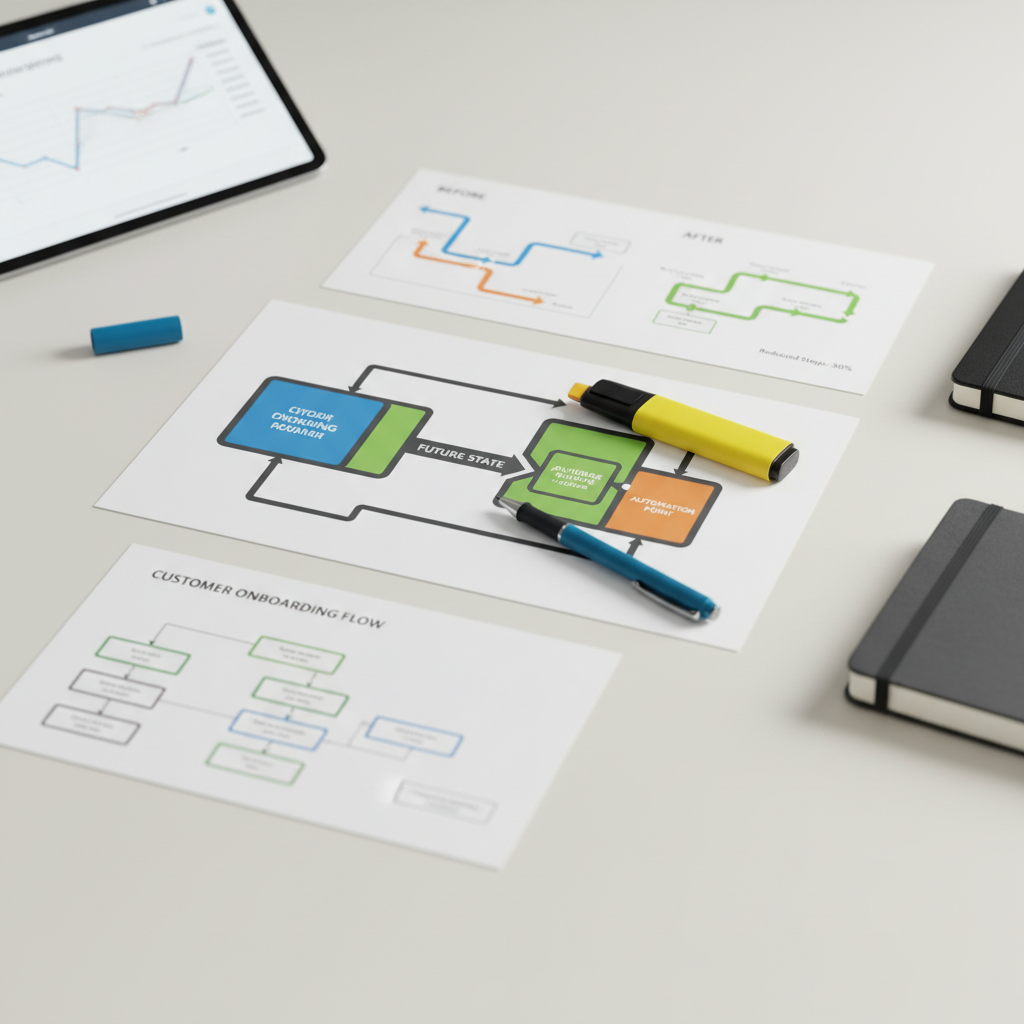
One of the most immediate signs your small business has outgrown QuickBooks and needs an ERP is the proliferation of "shadow systems" built in Excel. When employees spend more time updating spreadsheets than using their core software, the system has reached its functional limit. These manual workarounds for inventory tracking, project management, or resource planning create a fragmented environment where "version control" is non-existent. You likely have different departments relying on outdated files, leading to costly human errors and conflicting data.
This reliance on external files is a primary catalyst for modernizing operations. An ERP eliminates these disconnected silos by establishing a single source of truth. Instead of manually bridging the gap between sales and production in a workbook, an integrated system ensures that data remains consistent across the entire organization. Bypassing the need for manual data manipulation helps teams avoid common ERP implementation pitfalls later on; it replaces "Integration Spaghetti" with a robust, centralized database that reflects the true state of the business in real time.
Sign 2: Inventory Accuracy Is a Constant Struggle
Inventory management often becomes the most visible friction point as a company scales. QuickBooks handles basic stock levels for finished goods; however, it lacks the depth required for complex production or distribution. When you cannot accurately track raw materials or Work in Progress (WIP) through the manufacturing cycle, you face a constant cycle of stockouts and overstocking. One of the primary signs your small business has outgrown QuickBooks and needs an ERP is the realization that your financial records do not match your warehouse floor.
For businesses focused on modernizing operations, basic tracking is insufficient. An ERP provides sophisticated tools that QuickBooks lacks, such as multi-warehouse management, automated reorder points based on lead times, and real-time visibility into fulfillment status. Without these features, leadership remains blind to the true cost of goods sold and capital efficiency. Furthermore, trying to force QuickBooks to handle these complex logistics is one of those common ERP implementation pitfalls businesses face before they realize they need a specialized system. An ERP turns inventory from a stagnant line item into a dynamic asset, ensuring production never stalls due to missing components.
Sign 3: Manual Data Re-entry Is Killing Productivity
Beyond inventory errors, the labor required to keep disjointed systems in sync is a clear indicator that your current setup is failing. When your team must copy customer information from a CRM into QuickBooks, or manually translate e-commerce sales into a separate inventory log, you are wasting valuable billable hours on administrative overhead. This reliance on manual bridges creates "Integration Spaghetti," a messy web of disconnected tools held together by human effort rather than cohesive technology.
One of the defining signs your small business has outgrown QuickBooks and needs an ERP is when these manual hand-offs become the primary bottleneck for growth. An ERP functions as a unified engine rather than a collection of silos. When a customer places an order, the system naturally triggers an inventory deduction, generates a fulfillment request for the warehouse, and records the financial entry in the general ledger simultaneously. By removing the need for human intervention in these routine tasks, you avoid common ERP implementation pitfalls like data duplication and inconsistent records, paving the way for truly modernizing operations.
Sign 4: Reporting Takes Days Instead of Seconds

Reporting bottlenecks often trigger the common question: why don't accountants like QuickBooks for large scale needs? While accountants appreciate its tax compliance features, they often find it insufficient for high growth firms because it lacks the depth required for complex, multi dimensional analysis. When leadership requests a performance report and the finance team requires three days to manually export, clean, and consolidate data from various departments, the system has become a liability. This lag prevents the business from having actionable dashboards that reflect current reality.
Effective modernizing operations requires real time visibility into Key Performance Indicators (KPIs). Without an integrated system, you are managing by looking in the rearview mirror. An ERP moves the organization through the digital transformation lifecycle by replacing static, delayed spreadsheets with live data. This shift allows leadership to make decisions based on what is happening right now, rather than waiting for a month end wrap up that arrived too late to influence strategy. Reliable reporting is one of the primary signs your small business has outgrown QuickBooks and needs an ERP to maintain a competitive edge.
Sign 5: The Order to Cash Process Is Fragmented
A fragmented order-to-cash (O2C) lifecycle is a glaring indicator that your current systems are misaligned. In many growing businesses, a sales representative might close a significant deal on Monday, but the finance department remains unaware until a batch upload or manual notification happens on Friday. Meanwhile, the operations team is left in the dark, failing to procure materials or schedule production because they have no visibility into the sales pipeline. This lack of coordination leads to missed deadlines and strained customer relationships, serving as one of the definitive signs your small business has outgrown QuickBooks and needs an ERP.
Modernizing operations involves replacing these hand-offs with a continuous digital thread. When an ERP manages the O2C process, the moment a sales order is approved, it automatically triggers a production demand and alerts the finance team to prepare for billing. By integrating every stage of the digital transformation lifecycle, you eliminate the silos that cause delays. This level of transparency ensures that every department works from the same live data, preventing the ERP implementation pitfalls associated with fragmented, manual updates.
Sign 6: Audit Trails and Security Are Lacking
A fragmented order to cash process often highlights a deeper issue: the lack of robust internal controls. QuickBooks offers significant flexibility, which is helpful for solo entrepreneurs but dangerous for growing teams. When multiple employees have broad access to financial records, the ability to modify or delete historical transactions without a formal approval process increases the risk of internal fraud and manual data corruption.
If your accounting team struggles to track who changed a record or why a ledger entry vanished, these are undeniable signs your small business has outgrown QuickBooks and needs an ERP. Modern systems are built for modernizing operations by enforcing institutional grade security. They provide granular user permissions and unalterable audit trails as a standard feature. Implementing these safeguards is a vital step in the digital transformation lifecycle, ensuring that as your headcount increases, your financial integrity remains intact and your business stays audit ready.
Sign 7: You Are Facing the QuickBooks Desktop 2026 Sunset
A significant external catalyst for change is the looming software lifecycle shift. Many leadership teams are asking, "Is QuickBooks Desktop going away in 2026?" The answer lies in Intuit’s strategic roadmap, which emphasizes subscription based cloud models and involves ending support, security updates, and add on services for several Desktop versions by that date. This transition creates a forced migration path for many organizations currently operating in Duchesne and across the country.
Forced change provides a strategic opening for modernizing operations. If your team must undergo the effort of migrating data and learning a new interface, moving laterally to QuickBooks Online may only delay the inevitable. This sunset period serves as one of the most practical signs your small business has outgrown QuickBooks and needs an ERP. Instead of settling for another accounting first tool, use this milestone to enter the digital transformation lifecycle with a platform that supports complex workflows and deeper visibility. Investing in a scalable ERP now prevents a second, more difficult migration later when operational demands finally exceed what basic accounting software can provide.
QuickBooks vs ERP: Structural Differences for Small Business
QuickBooks is structurally a "Finance First" tool, designed primarily for the general ledger and tax compliance. It excels at recording what happened financially, yet it lacks the native framework to manage how work happens operationally. An ERP is "Operations First," built to unify the entire team from the warehouse floor to the sales desk.
Business owners often ask if QuickBooks can be used as an ERP by stacking third party plugins for inventory or CRM. In practice, these connections are frequently fragile and prone to breaking during software updates, leading to the very ERP implementation pitfalls that stall growth. These structural limitations are clear signs your small business has outgrown QuickBooks and needs an ERP. By modernizing operations with a process centric system, you secure a foundation for the entire digital transformation lifecycle, ensuring data flows seamlessly without reliance on unstable workarounds.
Overcoming the Fear of Implementation and Cost

Transitioning from a finance centric tool to an operations first platform often brings hesitation, primarily concerning cost and the risk of operational disruption. Leadership teams frequently worry that an ERP will be prohibitively expensive or that the learning curve will paralyze their staff. However, modern cloud ERP platforms have changed the math for small businesses by offering modular functionality and lower upfront infrastructure costs. The true expense lies in the hidden costs of sticking with an inadequate system: the hours spent on manual data entry, the missed sales from inventory errors, and the poor decisions made using delayed reports.
Avoiding common ERP implementation pitfalls requires a phased approach rather than a single, disruptive switchover. By managing the digital transformation lifecycle in stages, you can stabilize core accounting and inventory functions before moving to advanced automation or CRM integration. This method ensures that your team is never overwhelmed and that the business remains functional throughout the transition. The long term ROI is found in reliable data and the elimination of redundant tasks, which are essential for modernizing operations in a competitive market. Professional guidance ensures that these systems are tailored to your specific workflows, turning a feared migration into a controlled upgrade that enables faster work and scalable growth.